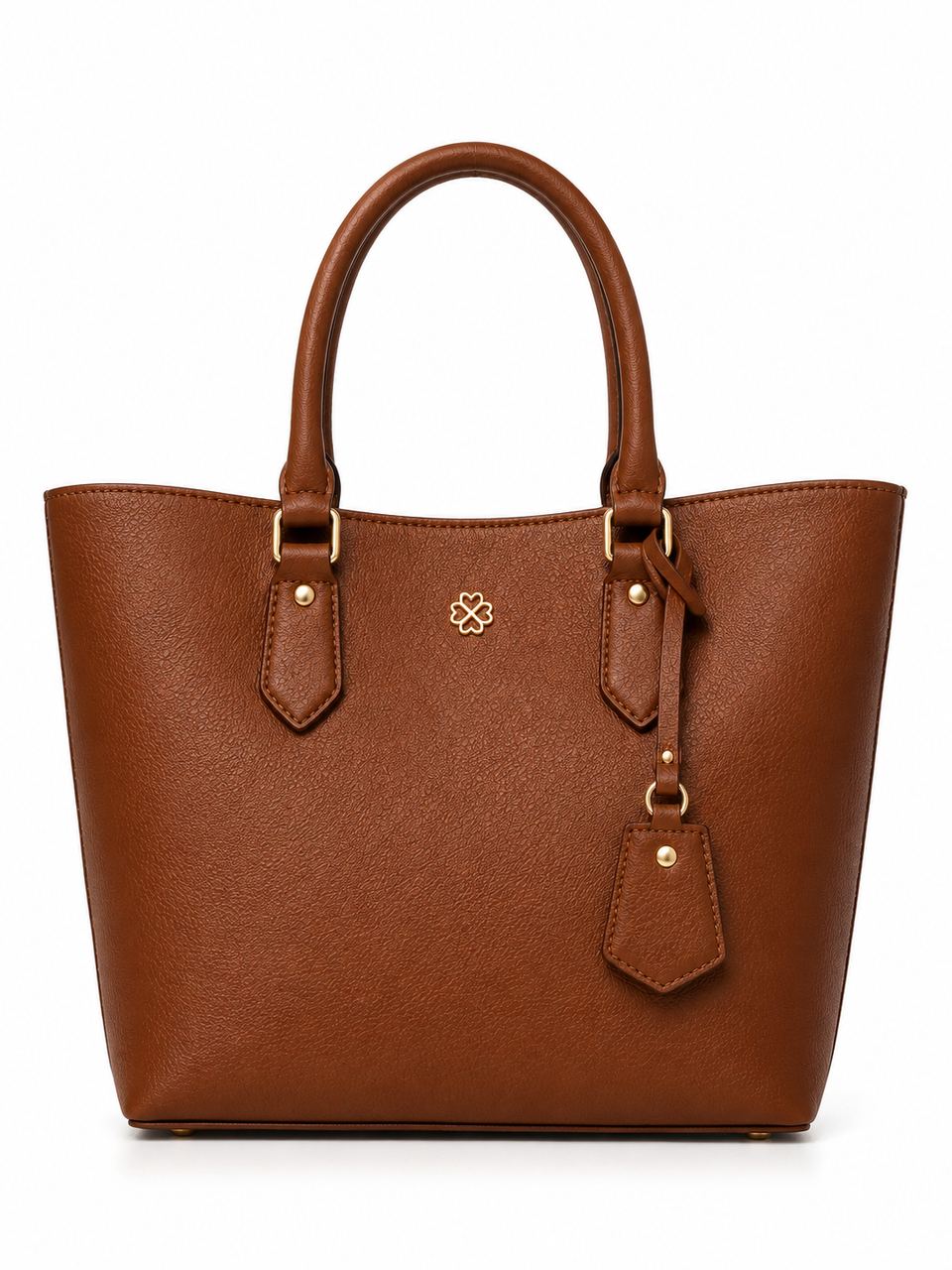
 Before
PicMint › Handbags photography
Handbag photography, from one product photo
Photograph the bag once. PicMint gives you the same bag carried by a model and staged as a clean studio shot.
Before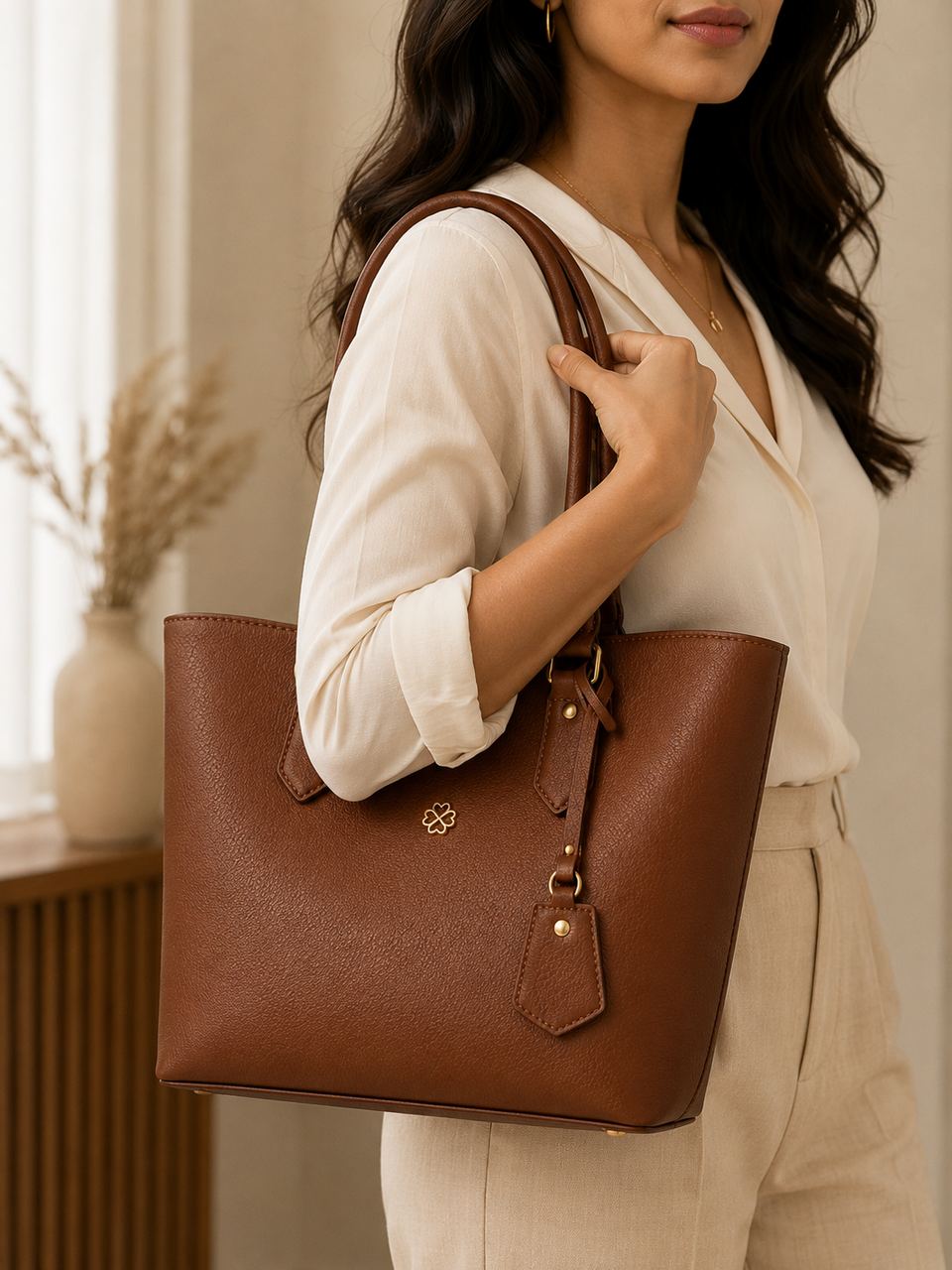 After
AfterPhotograph the bag once. PicMint gives you the same bag carried by a model and staged as a clean studio shot.
BeforeAfterA handbag photographed alone gives no sense of scale. Buyers ask how big it actually is, whether it sits on the shoulder, and how the leather looks in normal light — none of which a plain product shot answers.
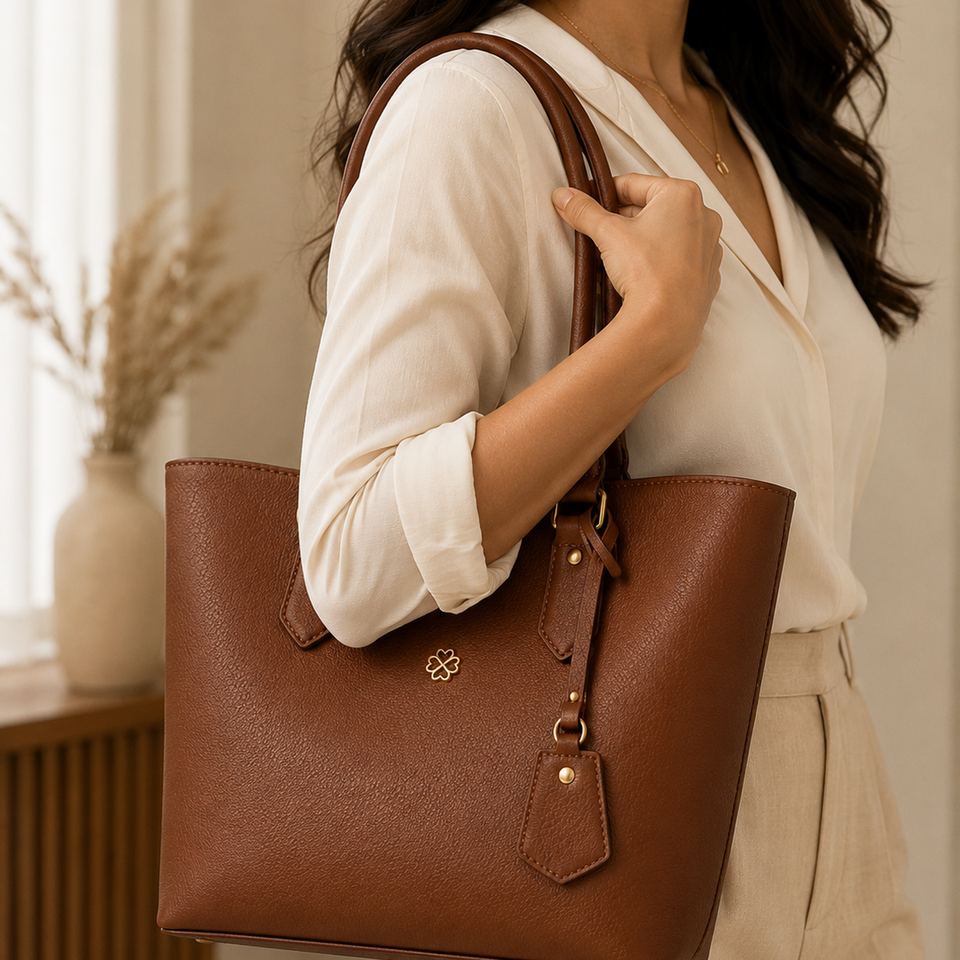
PicMint keeps the grain, the hardware and the stitching from your photo, and shows the bag both carried by a model and lit as a studio product.
What handbag and accessory sellers usually ask before they start.
Yes. They are separate modes and both work from the same uploaded photo.
The detail comes from your photo, so a sharp, well-lit original gives the best result.
Yes. Any physical product photographed clearly can be used.
Follow along for new handbags transformations, and catch the launch when it goes live.