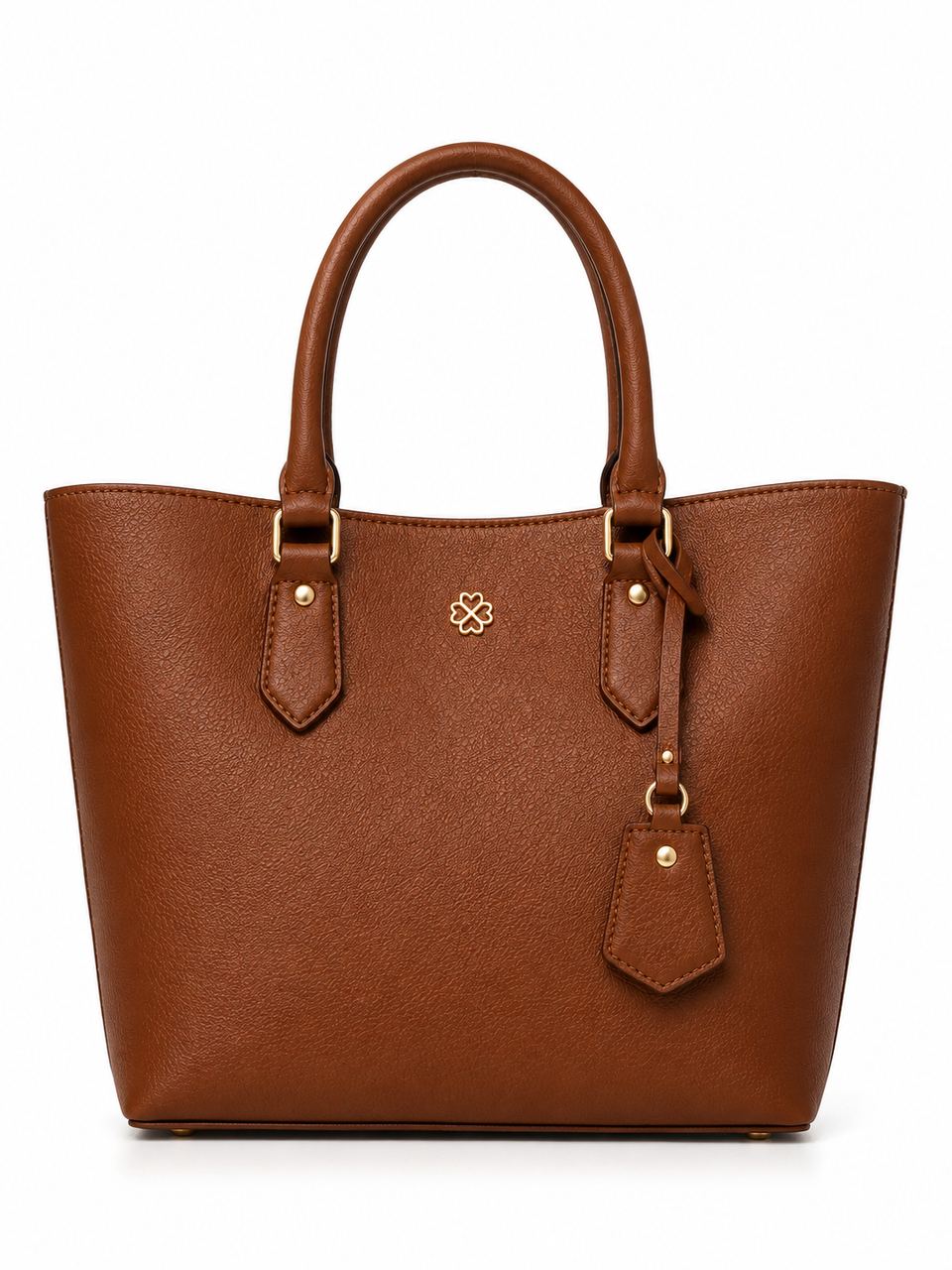
 Before
PicMint › Catalogue
A full set of listing images, from one photo
Marketplaces ask for several angles of the same product. Upload once and get the set.
Before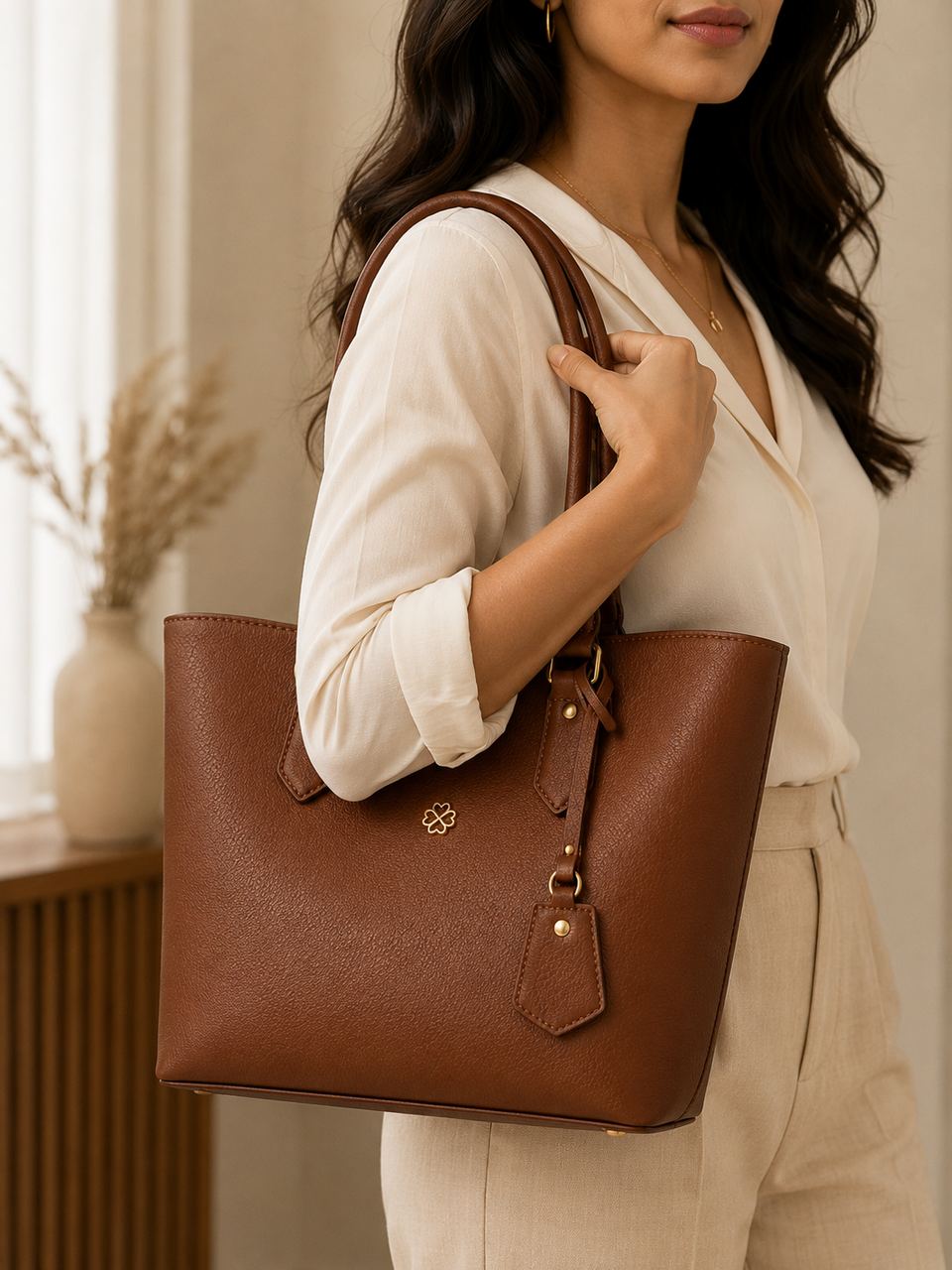 After
AfterMarketplaces ask for several angles of the same product. Upload once and get the set.
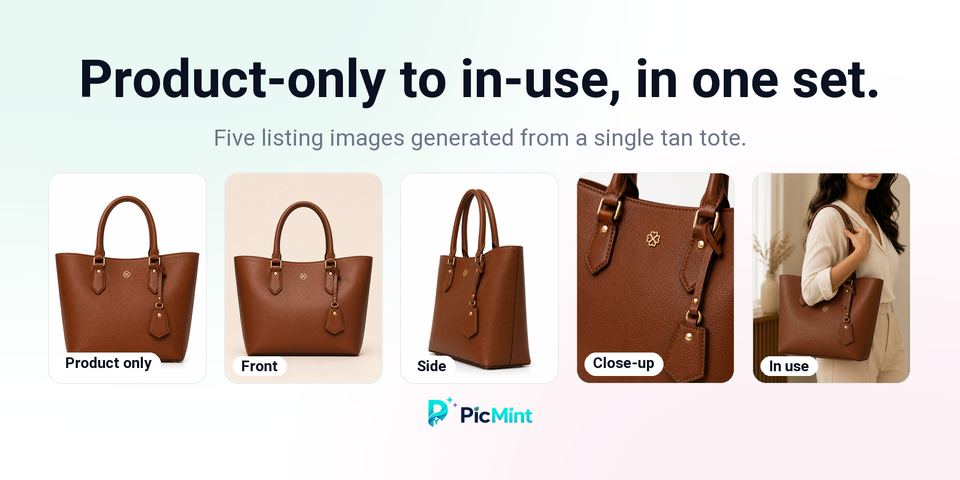
BeforeAfterA marketplace listing usually wants a front view, a side view, a close-up of the material and something showing the product in use. Shooting four angles of every item — and re-shooting when one is rejected — is where most of a seller's time goes.
PicMint generates the angles a listing needs from a single upload, keeping the same product in every frame.
What sellers ask about this mode.
Catalogue mode generates a set of views of the same product. Each generated image uses one credit.
Yes. Every view is generated from the product in your uploaded photo.
The images are yours to use on your listings. Each marketplace has its own image rules, so check the requirements for the one you sell on.
Follow along to see more results, and catch the launch when it goes live.