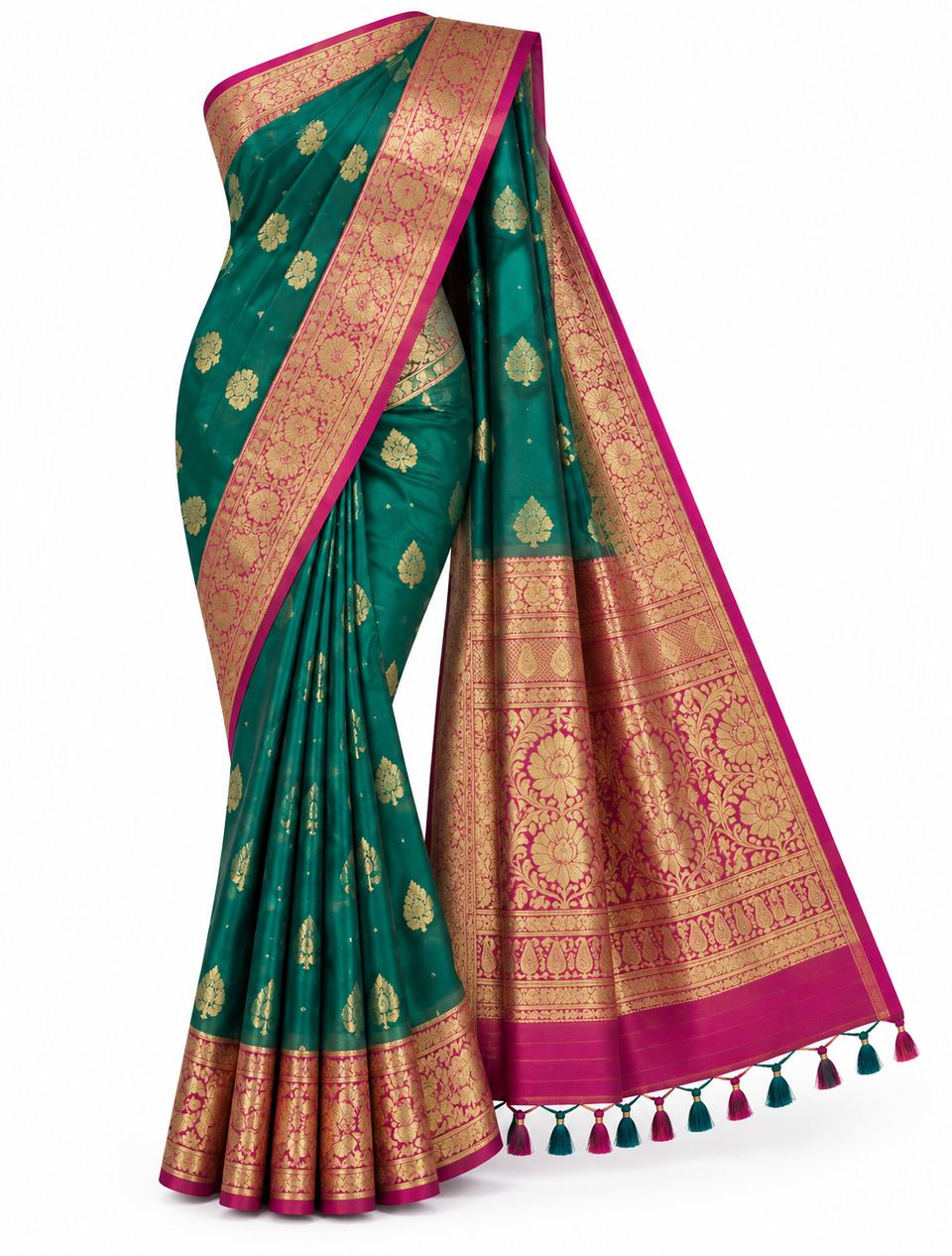
 Before
PicMint › Saree photography
Saree product photography, without the shoot
Photograph the saree once. PicMint drapes that exact saree on a model and gives you images you can list and share.
Before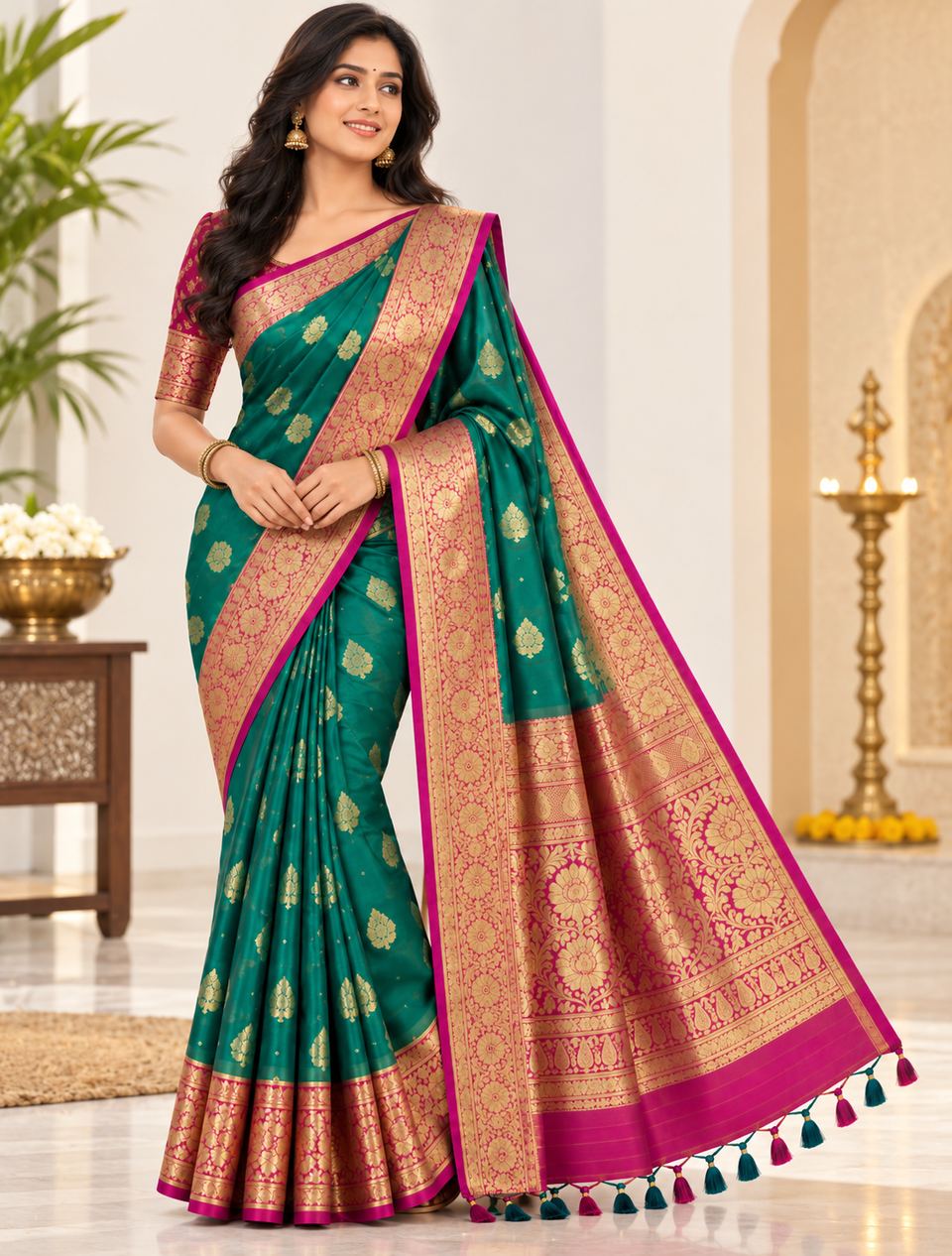 After
AfterPhotograph the saree once. PicMint drapes that exact saree on a model and gives you images you can list and share.
BeforeAfterA saree laid flat or hung on a door shows the colour and almost nothing else. A buyer cannot see how the pallu falls, how the border sits at the hem, or how the weave catches light — the three things that actually sell a saree.
PicMint keeps the weave, the motif spacing and the border exactly as they are, and shows the saree worn. Nothing about the product is redesigned; only the setting changes.
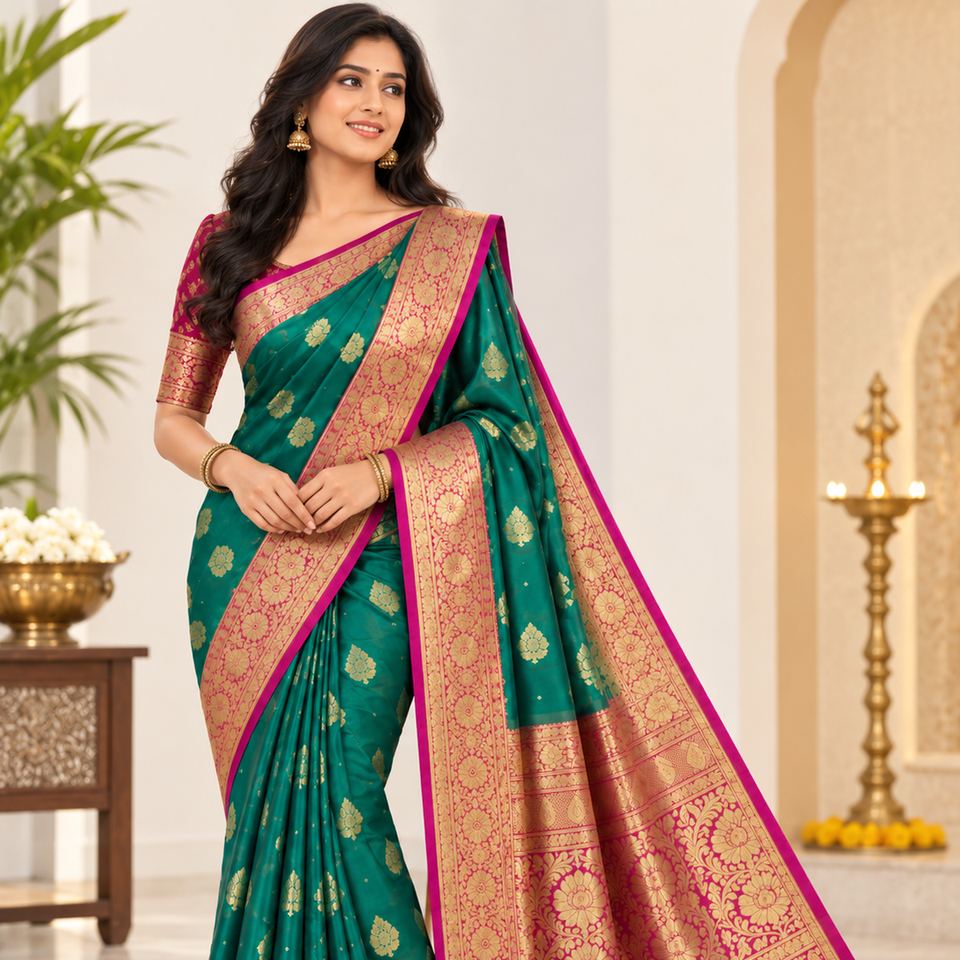
What saree and boutique sellers usually ask before they start.
No. A clear photo of the saree on its own is enough — folded, hung or laid flat.
Yes. PicMint works from your photo, so the weave, motifs and border stay as they are in the original.
Yes. The catalogue mode generates several angles of the same product from a single upload.
Follow along for new saree transformations, and catch the launch when it goes live.