 Before
PicMint › Studio Photos
Studio product photos, from a phone photo
Photograph the product where you are. PicMint restages it on a clean backdrop with even light.
Before After
AfterPhotograph the product where you are. PicMint restages it on a clean backdrop with even light.
BeforeAfterMarketplaces expect a clean background and even lighting. A photo taken on a bed, a floor or a shop counter usually fails that bar, and a lightbox plus a proper lamp is another cost before the first sale.
PicMint restages your product on a clean backdrop with even lighting, so the listing image looks the way a marketplace expects it to.
What sellers ask about this mode.
No. A clear phone photo in daylight is enough.
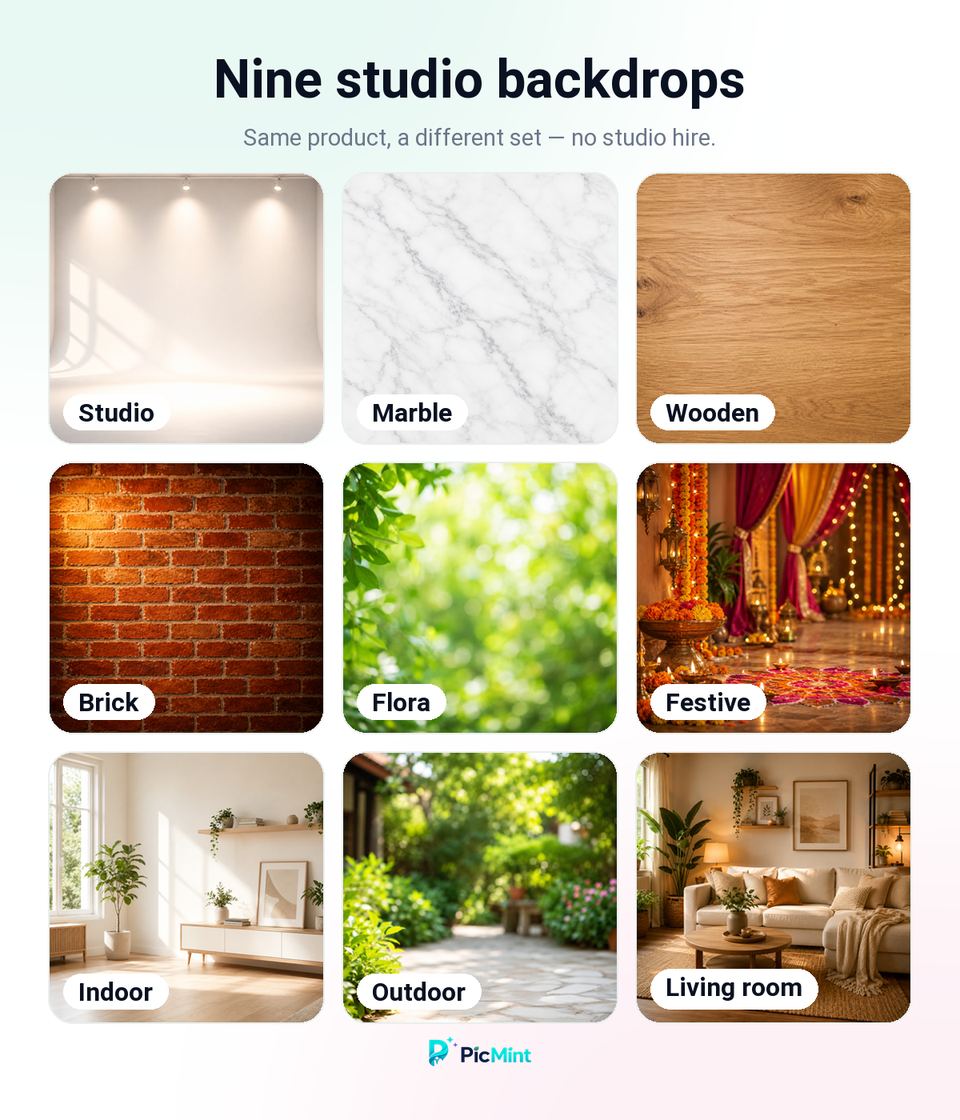
Yes. PicMint offers several backdrop options including plain studio, marble, wood and indoor settings.
Studio mode is built to produce clean, evenly lit product images of the kind marketplace listings ask for.
Follow along to see more results, and catch the launch when it goes live.